
Parenting
8 Multiplayer Phone Games for a Night With Friends
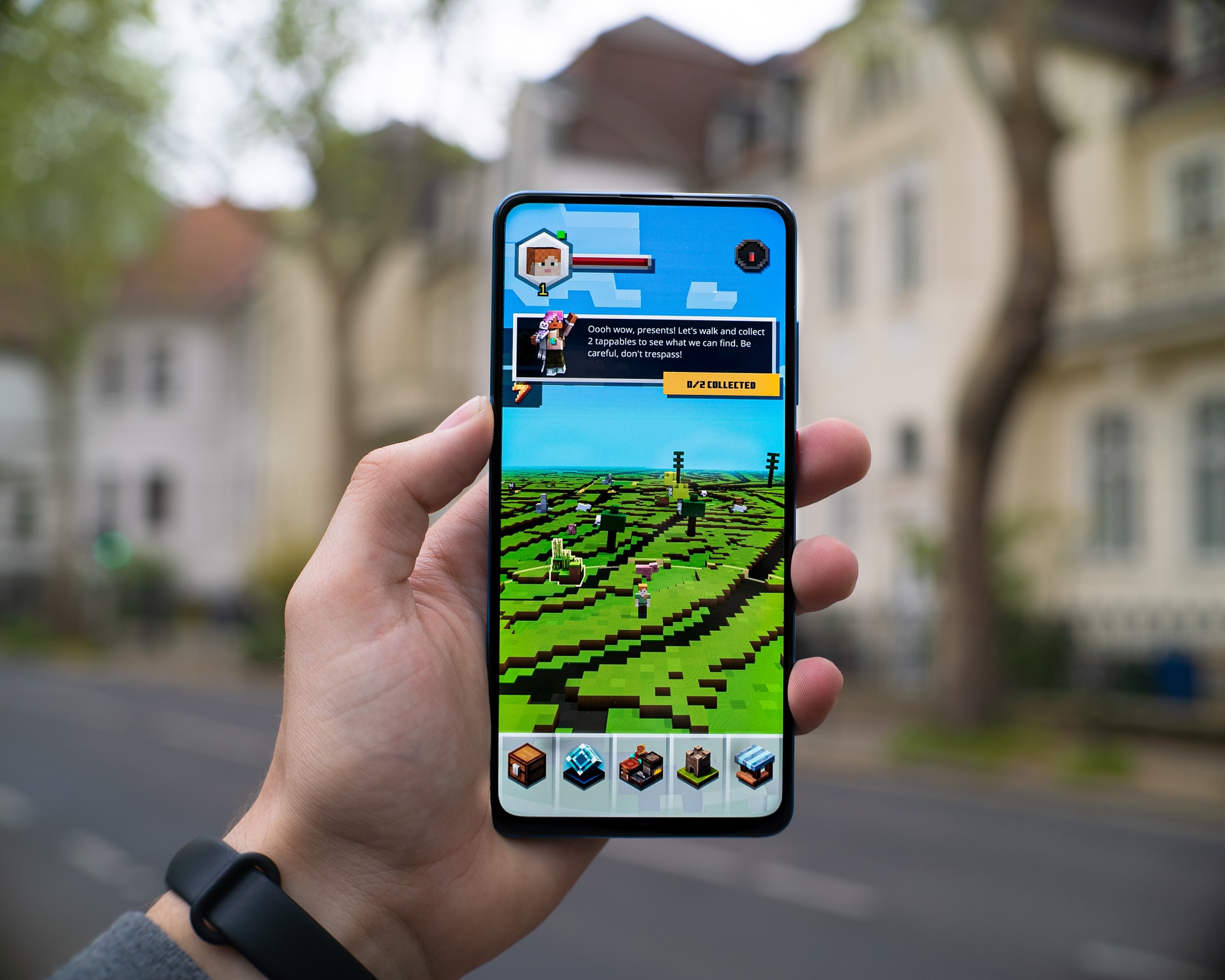
A phone game can give a group something to do together without everyone needing the same console. Start with the people playing: a card game suits a different evening from a competitive shooter. Read the age rating, check chat controls and agree on purchases before children join in.
The games below offer different kinds of multiplayer play. Some use teams, some put you against each other, and some let you build at your own pace. Availability and account requirements can vary by device and region, so check the developer’s listing before downloading. A free download can still include purchases.
1. UNO! Mobile
UNO! Mobile brings the familiar color-and-number card game to a phone. It is a useful option when you would rather play a short card match than learn a large game world. Review its available friend and team modes, in-app purchases and account settings together before choosing how your group will play.
2. Among Us
Who is pretending to help the crew? That is the question in Among Us. Crewmates tackle tasks while trying to spot the impostors, and discussions can turn into a lively argument. Pick this for a group that enjoys bluffing. For children, review chat options and keep the lobby private.
3. Minecraft: Pocket Edition
Minecraft gives friends room to build something at their own pace. Mobile players use Bedrock Edition. How you meet depends on the setup: a compatible world, a server or a Realm. Sort out versions and permissions before inviting everyone. Private Realms require a separate subscription, which is worth discussing before choosing one.
4. Genshin Impact
You will need to progress far enough in Genshin Impact before its cooperative play opens up. After that, a small group can explore Teyvat and take on the activities that allow co-op. Some story content remains separate. Before downloading, check storage space and age guidance, and settle limits on optional spending.
5. Brawl Stars
Brawl Stars moves quickly, with short competitive matches across different modes. Find a mode that has room for your group; team sizes are not all the same. Give new players a few rounds to learn before expecting much coordination. Check the social settings and purchase controls, especially if children are playing.
6. Call of Duty Mobile
For a group already interested in competitive shooters, Call of Duty: Mobile has multiplayer modes to consider. Read the content rating and check communication settings first. It will not suit every family group. Agree on a mode before joining, and give everyone a chance to understand what the team is trying to do.
7. Hearthstone
Hearthstone is a digital card game built around decks and matches against other players. It may suit friends who like planning a move and learning how cards interact. There is a learning curve, so allow a newcomer time to understand the basics. Optional purchases are another reason to review the account settings.
8. PUBG
PUBG Mobile lets players enter a battle-royale shooter, with squad options for friends who want to compete together. Survival is the aim. Because combat and online interaction are part of play, review the rating and controls before including children. Choose the squad’s mode and learn its communication tools before starting.
Choose the game before everyone downloads it
Make the practical decisions first: can each device run the compatible version, and does the mode fit your group? Set privacy and spending controls before playing. Older recommendations need care too. Crash Bandicoot: On the Run and Mario Kart Tour have ended their services; leave them off a current download list.